

Challenge:
Young designers needed a system that could bring structure to an often overwhelming creative process while still encouraging thoughtful exploration and conceptual depth. The challenge was to translate the complexities of design thinking, ideation, and execution into an intuitive tool that helped users stay organized, make stronger design decisions, and move through projects with greater confidence and intention.
Approach:
My approach was to create a system that not only guided young designers through the practical steps of the design process, but also encouraged more intentional and concept-driven thinking along the way. The app was designed to reduce overwhelm through structure and clarity while helping designers step outside of tunnel vision, think more strategically, and approach their creative process with greater confidence and purpose.
Research | UI | UX | Prototyping | Branding
Team Members:
Keelan Thomas and CJ Kaltwasser
Defining the Problem
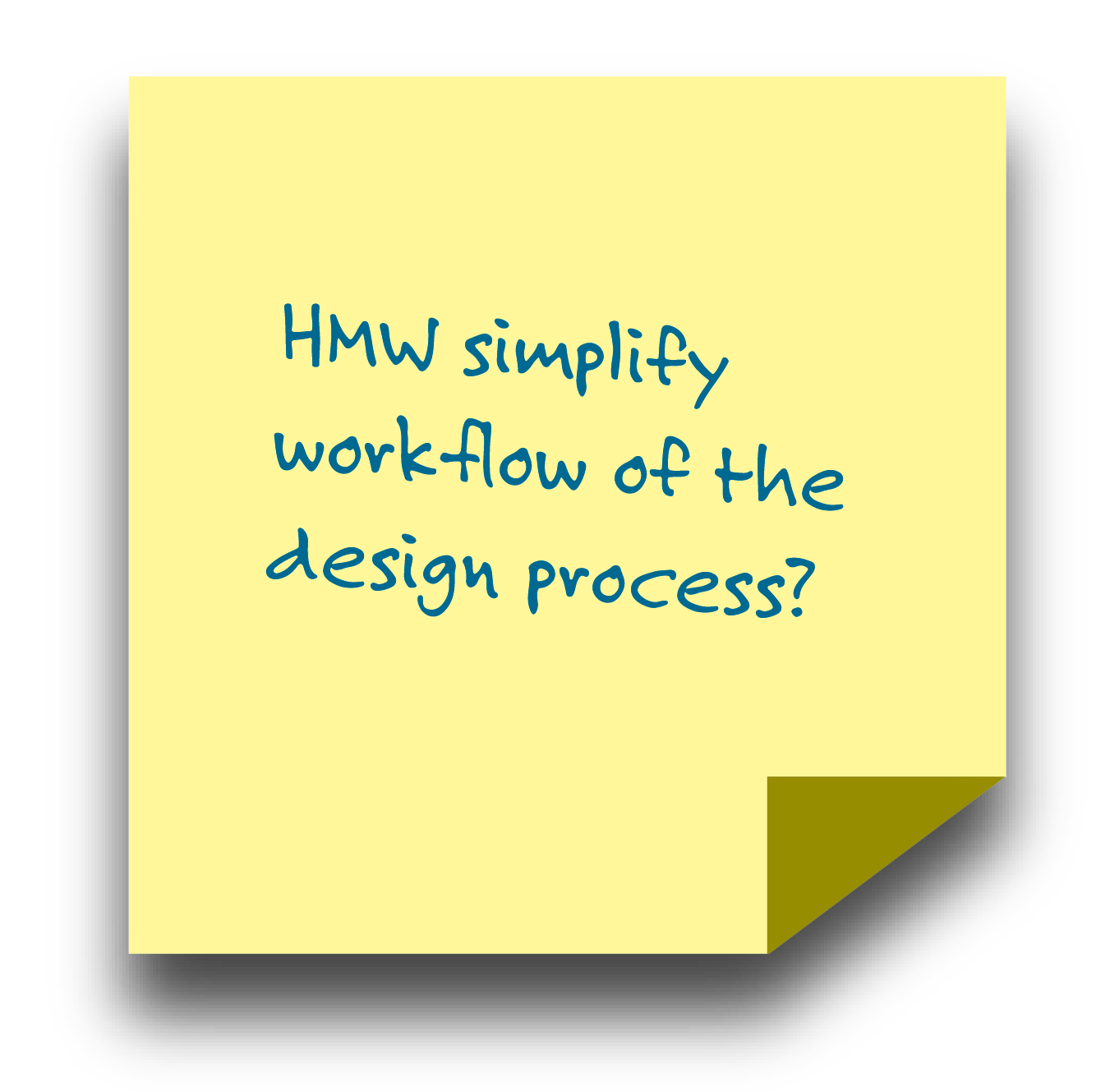
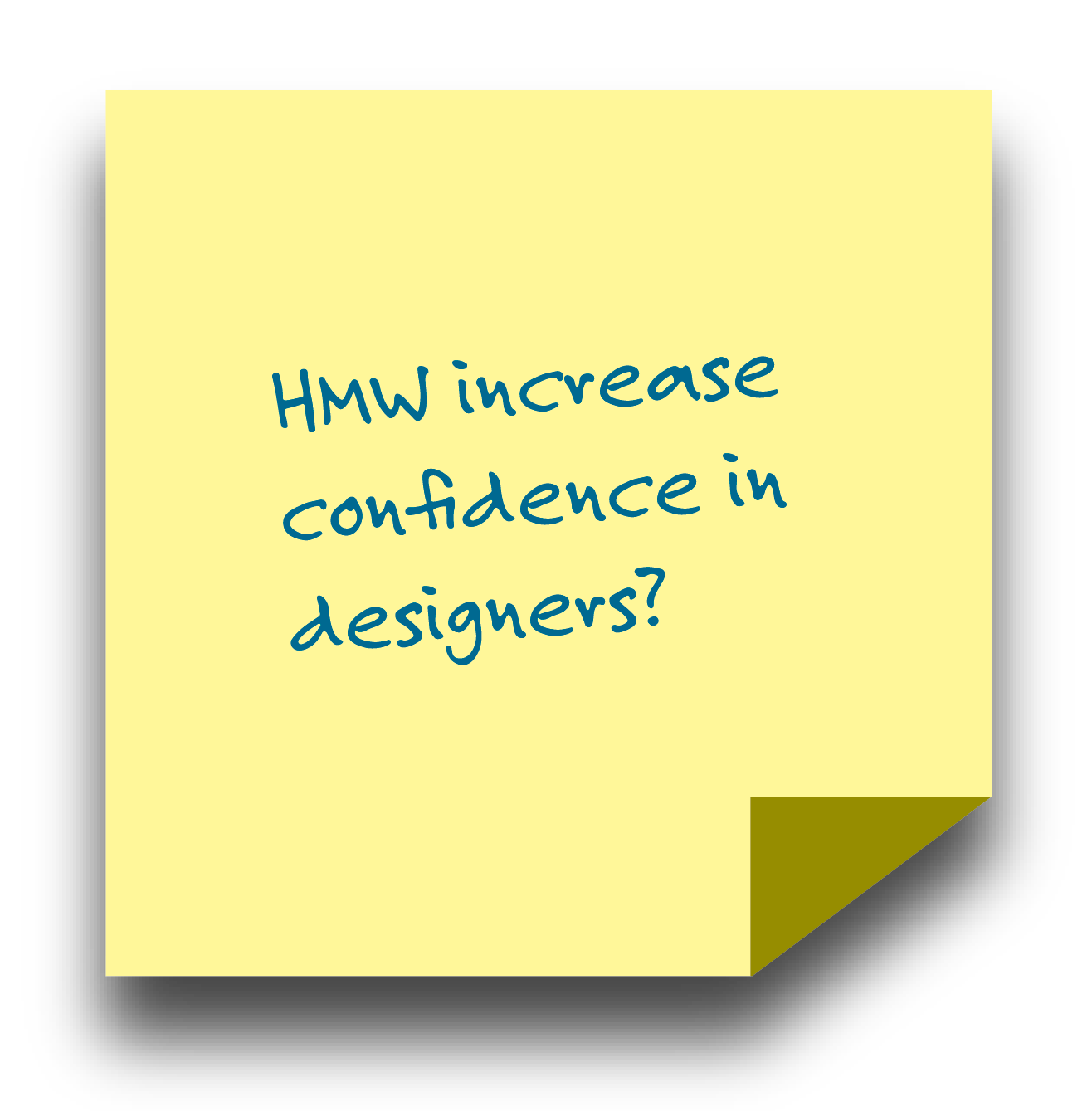
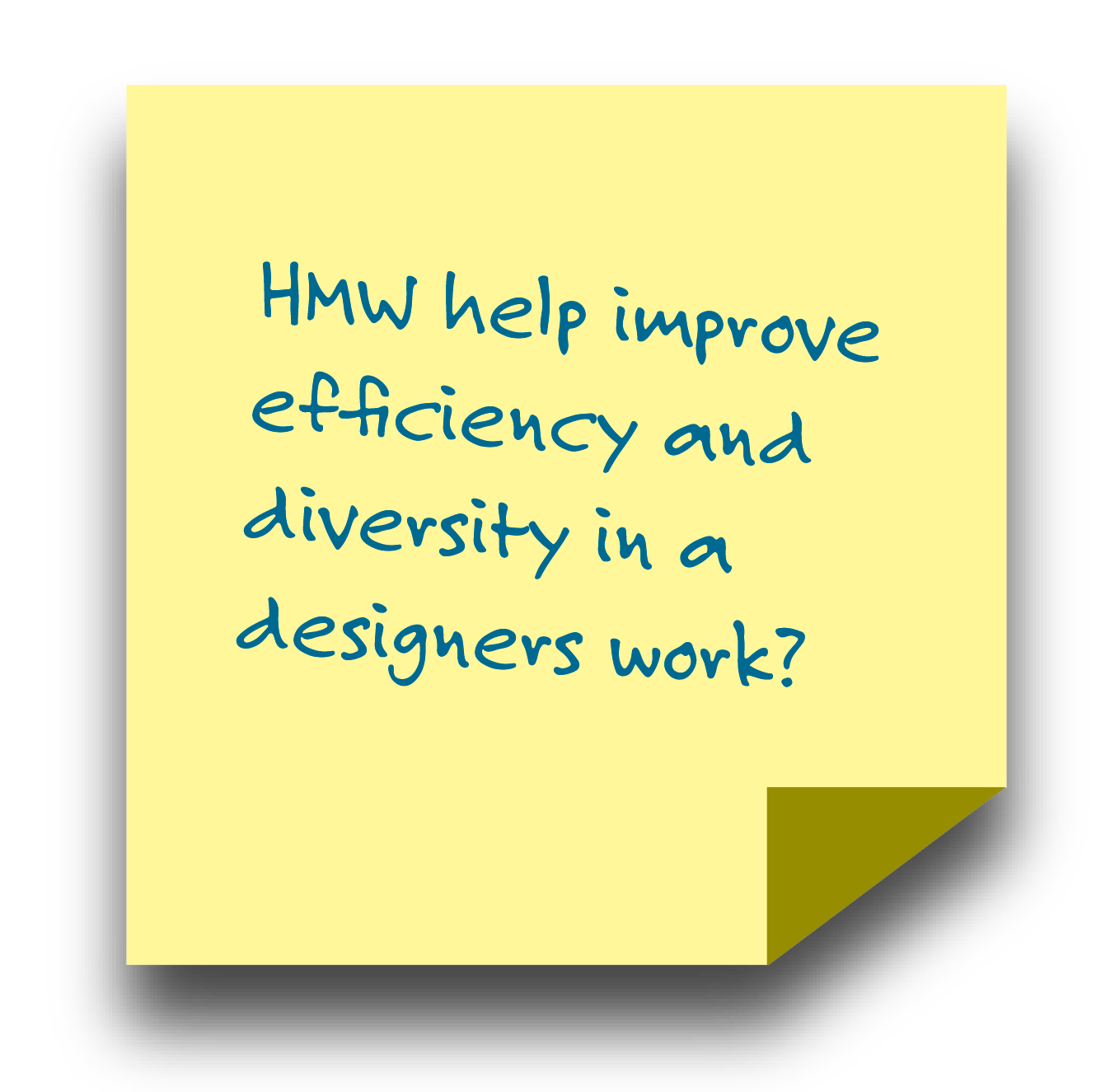
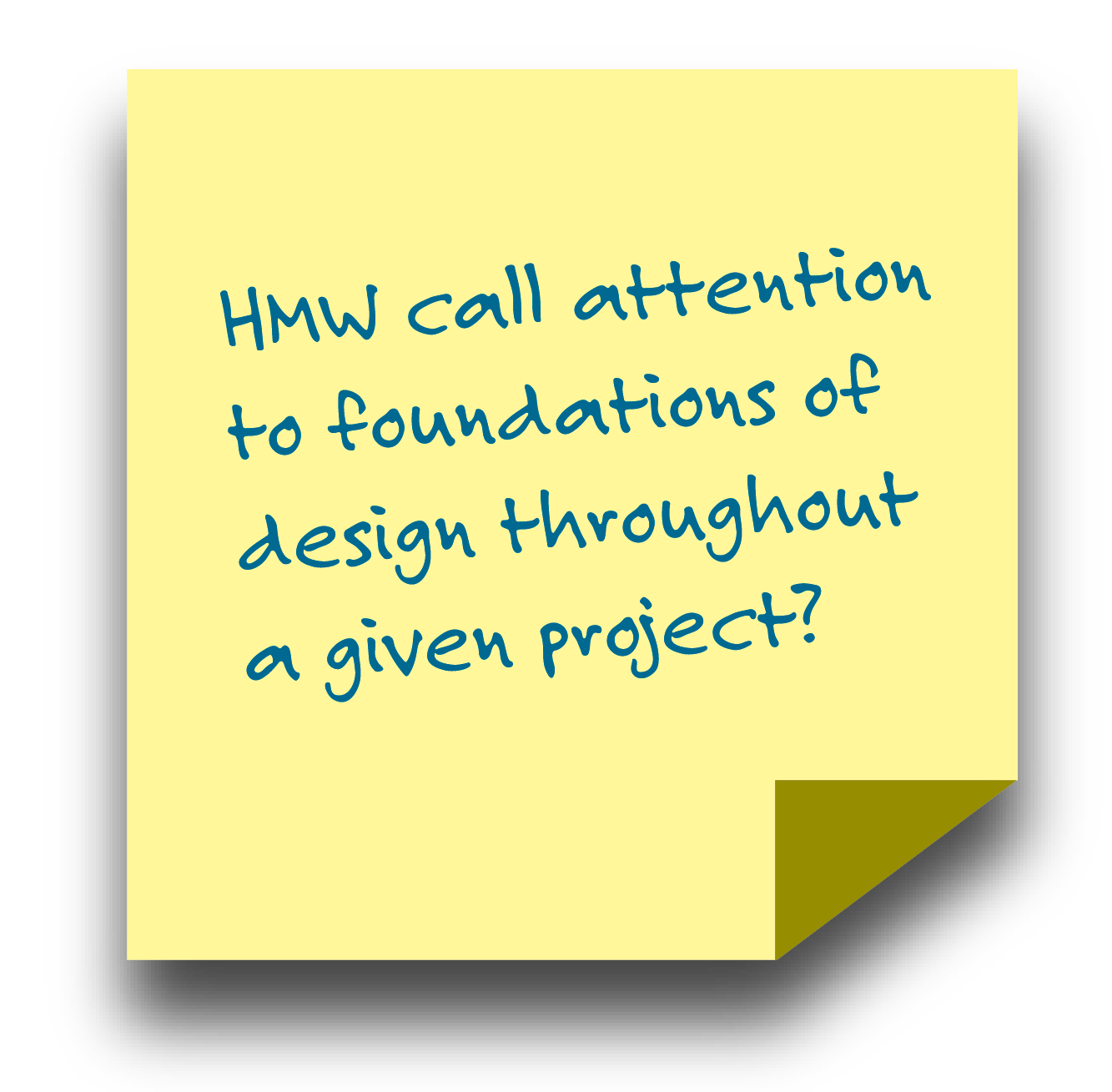
Young designers can struggle to manage time well and often overcomplicate their projects. There is also a tendency to disregard principles and elements of design, research and ideation. They might skip over or forget necessary steps in the design process, which can result in poor design choices.
Survey Results

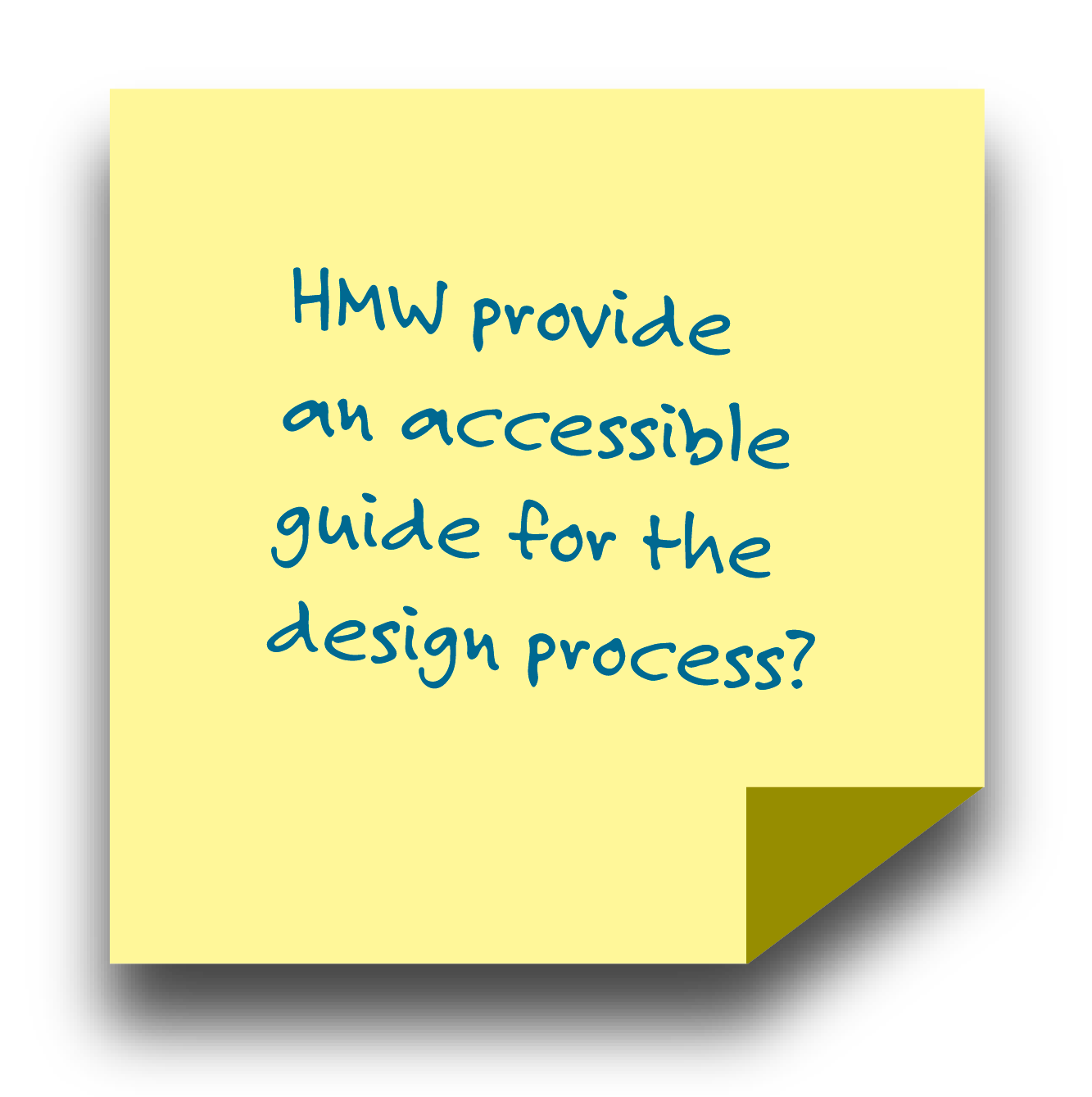
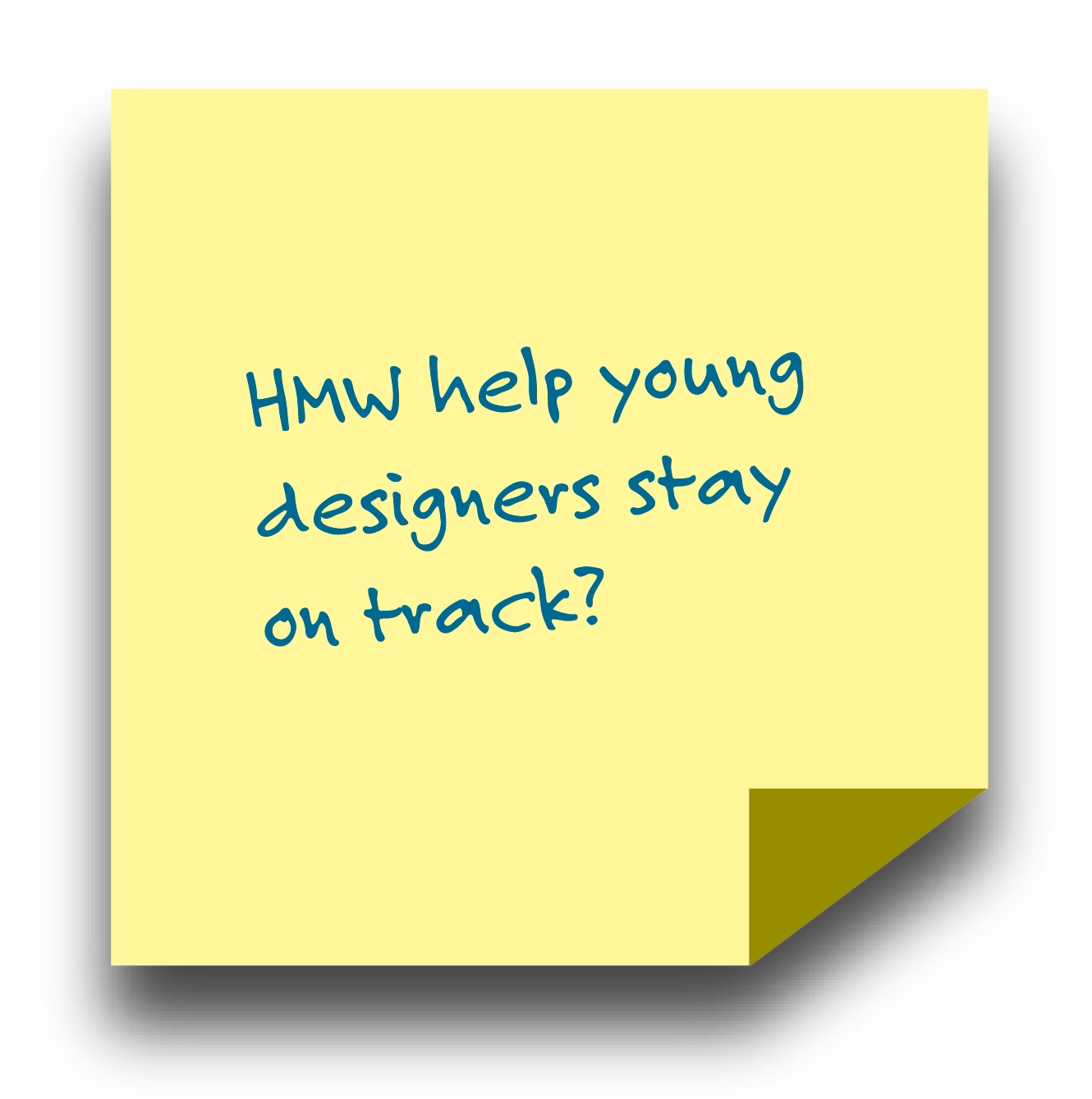
Takeaways and Findings
Takeaways:
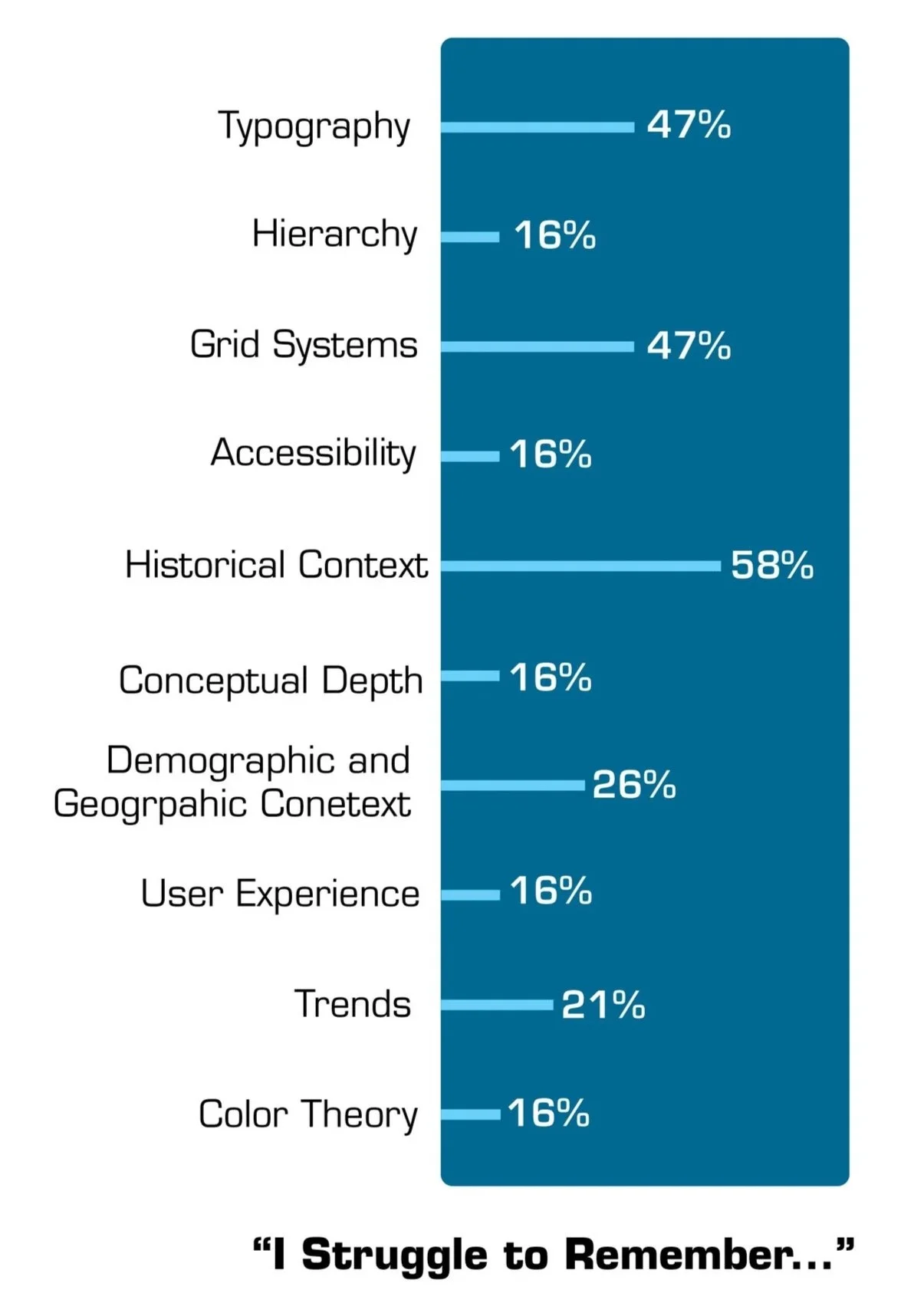
Young designers often struggle to consider typography, grid systems and historical context the most when designing for a project.
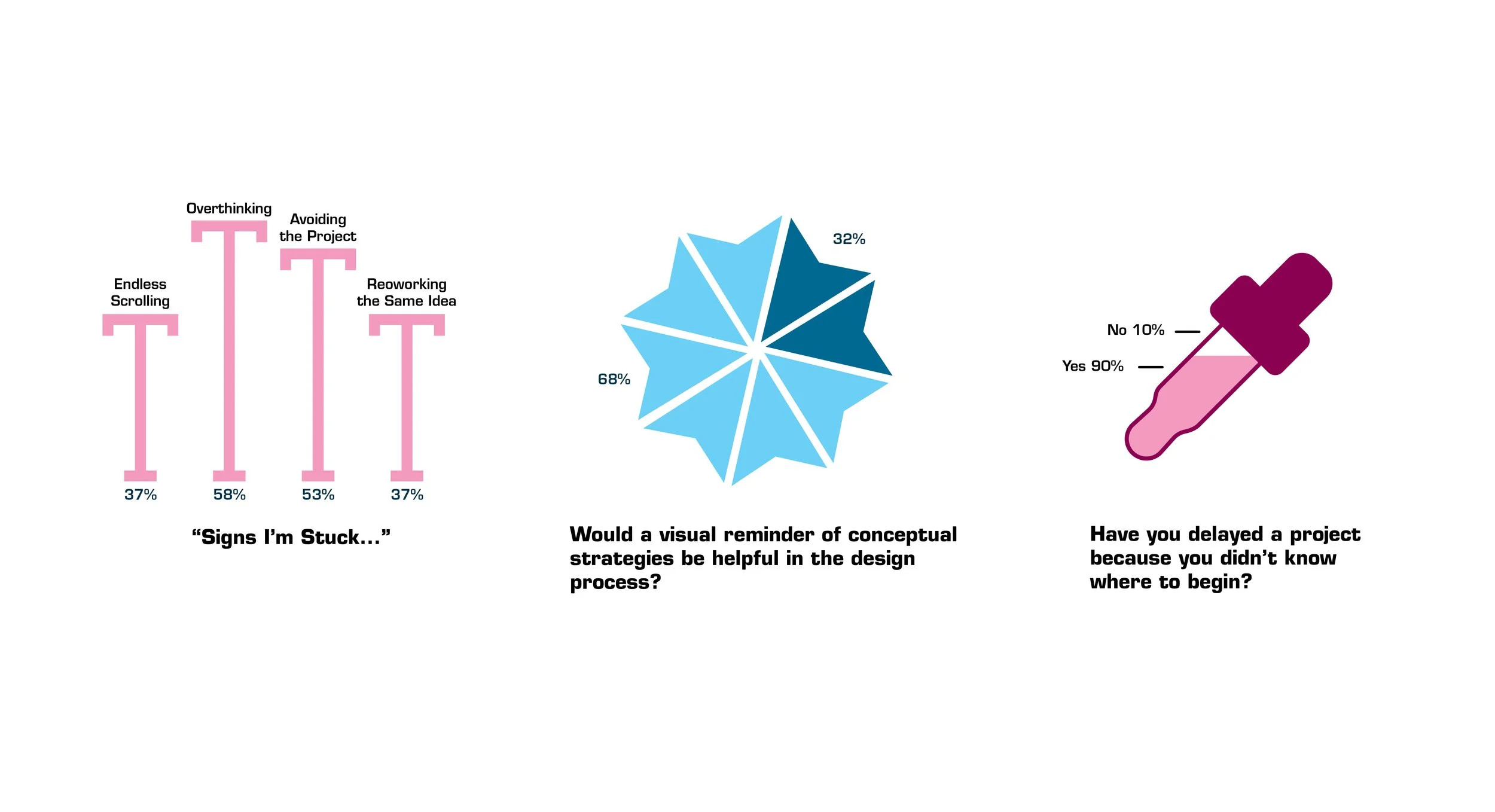
Young designers tend to overthink details and avoid the project all together when they are stuck.
Young designers feel like their overwhelm reduces the most clear structure and a step by step process.
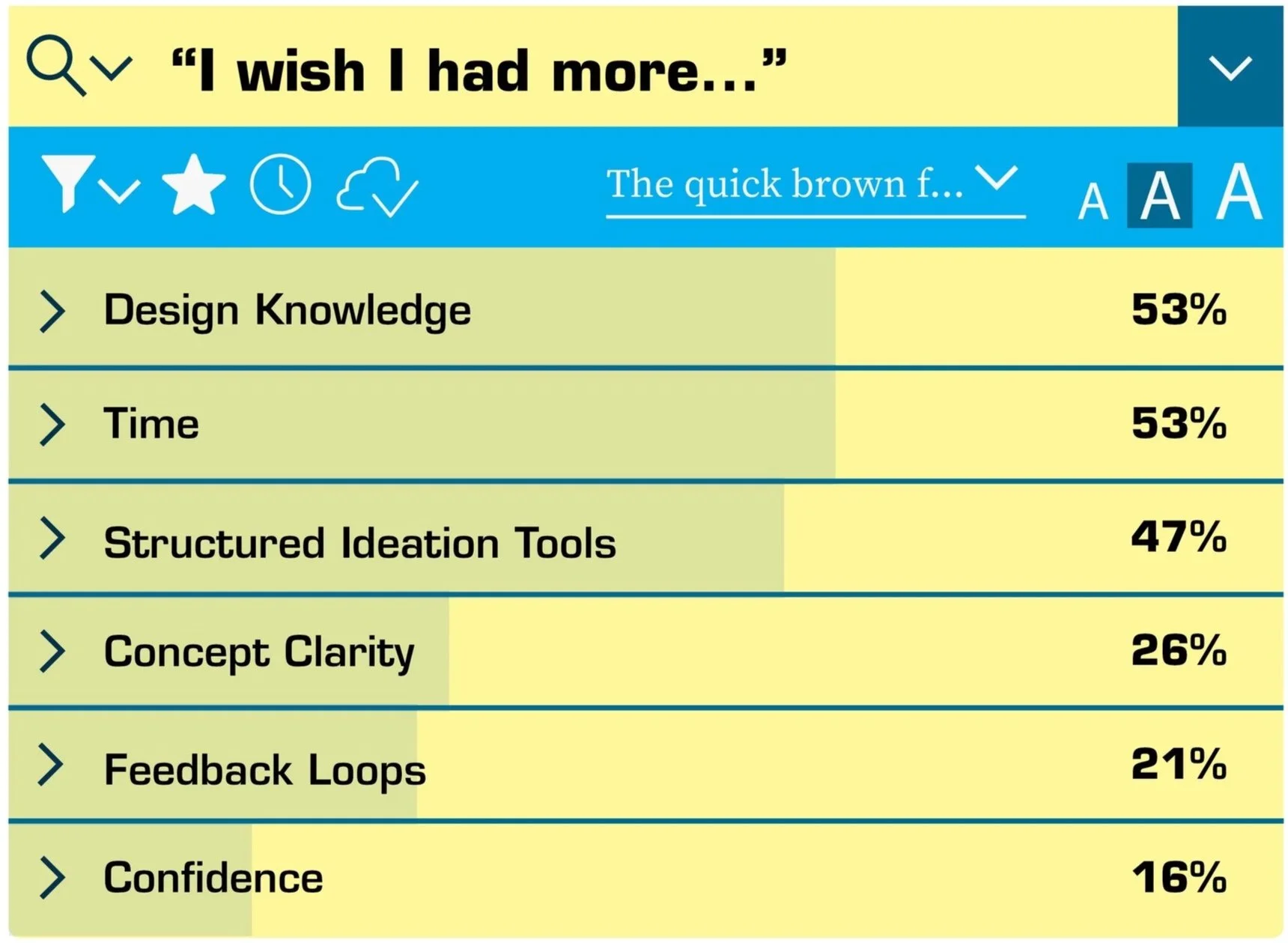
Young designers wish they had more structured ideation tools, design knowledge and time on their projects.
Most young designers have delayed stating a project because they don’t know where to begin.
Most young designers struggle to organize their process and stay on track during their projects.
Most young designers would find an app that gives a fast visual reminder of different conceptual strategies helpful.
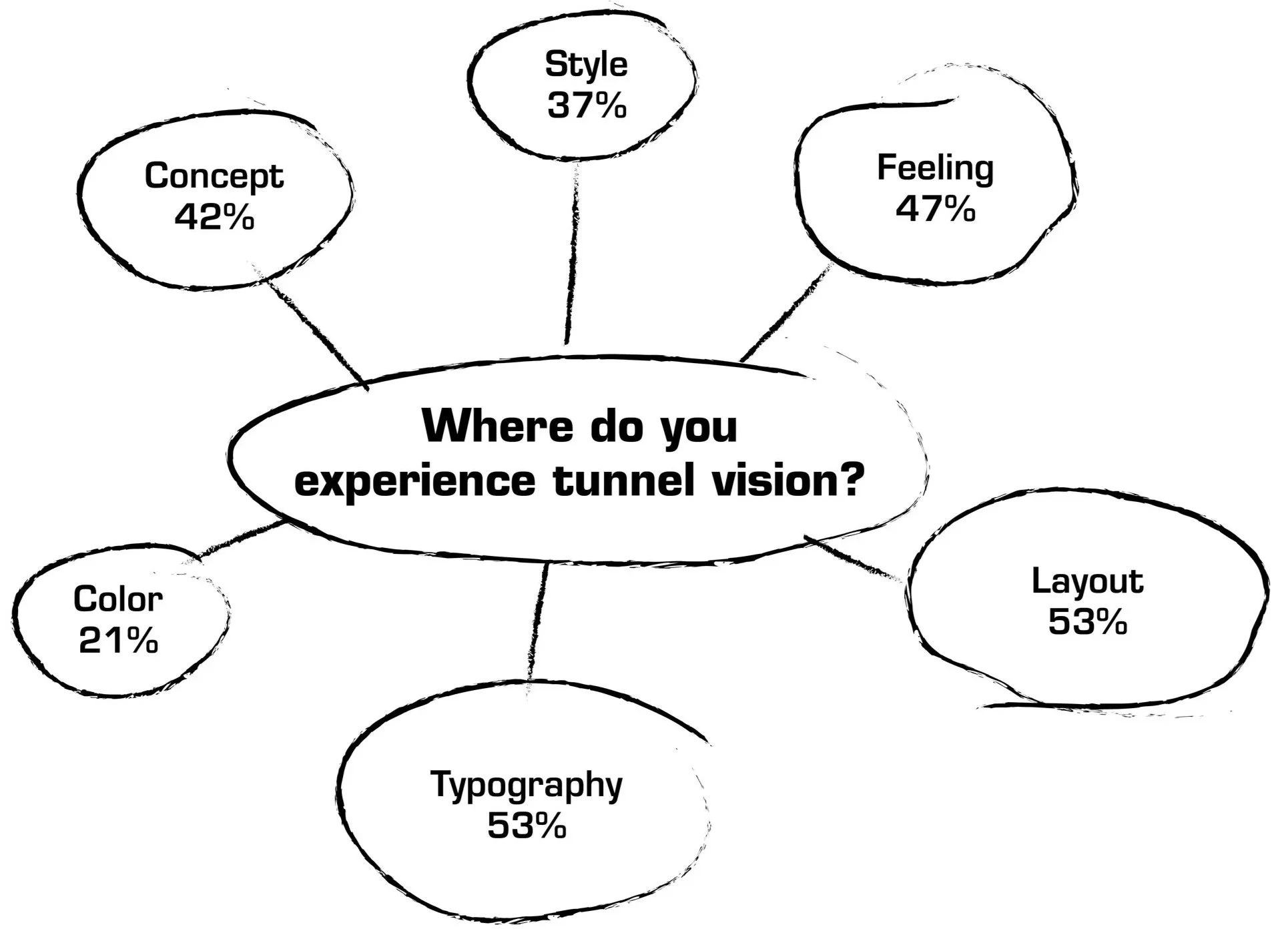
Young designers get tunnel vision with typography, layout, concept and the vibe of the project; therefore forgetting to consider other necessary elements of the design process.
Insight:
I often lose track of time because I don’t stay organized throughout the process.
—Design Student
don’t always step back to consider how the client or audience will connect with the outcome. Having a reminder to do so would be helpful.
—Design Student
Having a clear set of conceptual tools would help me work more intentionally.
—Design Student
I can tell I’m stuck when I procrastinate and obsess over minor details.
—Design Student
Personas

Name: Maya Patel
Age: 19
Role: First-year Graphic Design Student
Experience: Beginner
Tools: Adobe Illustrator, Adobe Photoshop
Background:
Maya just started design school and feels overwhelmed by starting her projects.
She struggles to remember common design principles and spends alot of her time searching online or in her books.
Pain Points
Doesn’t know where to start her design process
Forgets Design Principles and Elements
Procrastinates Layouts

Name: Marcus Smith
Age: 22
Role: Senior-year Graphic Design Student
Experience: Intermediate
Tools: Adobe Illustrator, Adobe Photoshop, InDesign
Background:
Marcus is comfortable using the Adobe Suite and is building up his portfolio. Marcus understands design theory, but he tends to overcomplicate his process.
Pain Points
Endless ideation loop
Too many concepts
Trouble simplifying his work
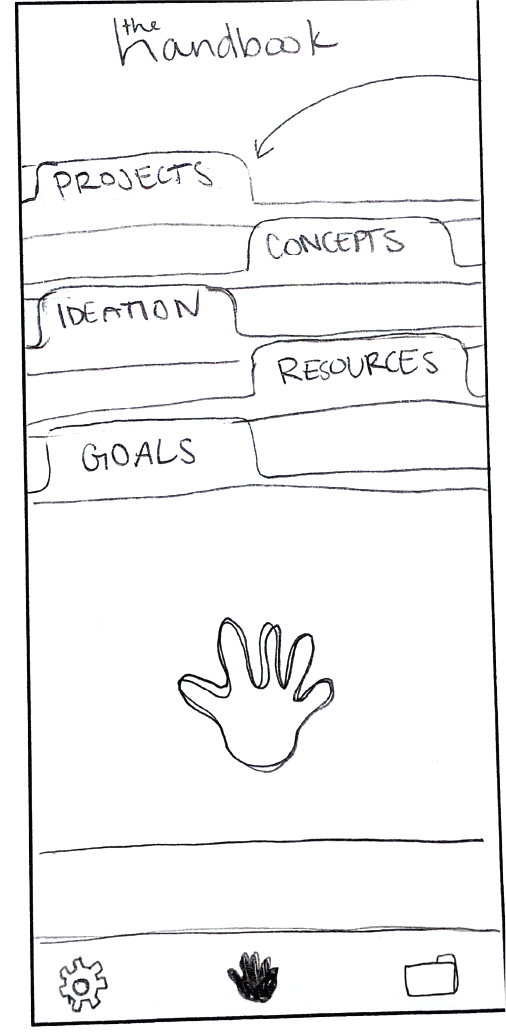
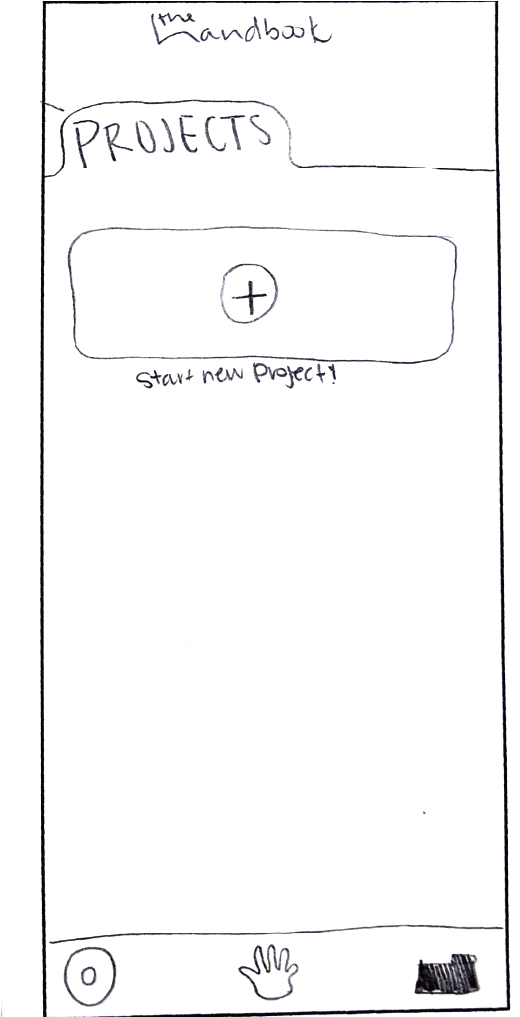
Paper Prototypes
Wireframes

Typography
East Sea Dokdo | H1
Eurostile | Demi | H2

Euro Sans | Regular | B1

Color Palette


YELLOW
BLACK






MAGENTA
CYAN
Iconography
Buttons


Login & Homepage
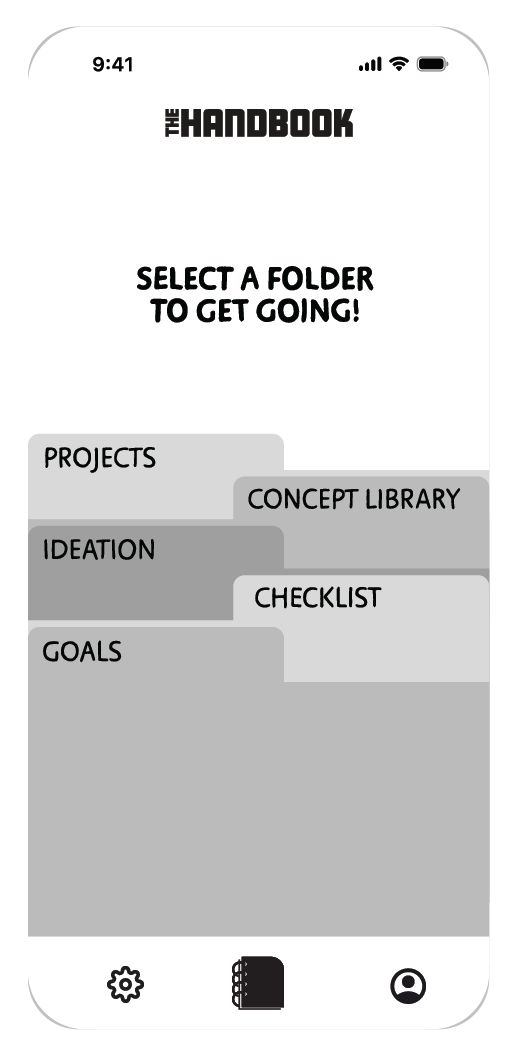
The user is asked to sign up and create an account upon first entry into the app. Immediately after they are brought to the login screen and then brought to the home page with the four folders of the Handbook.
Projects Folder
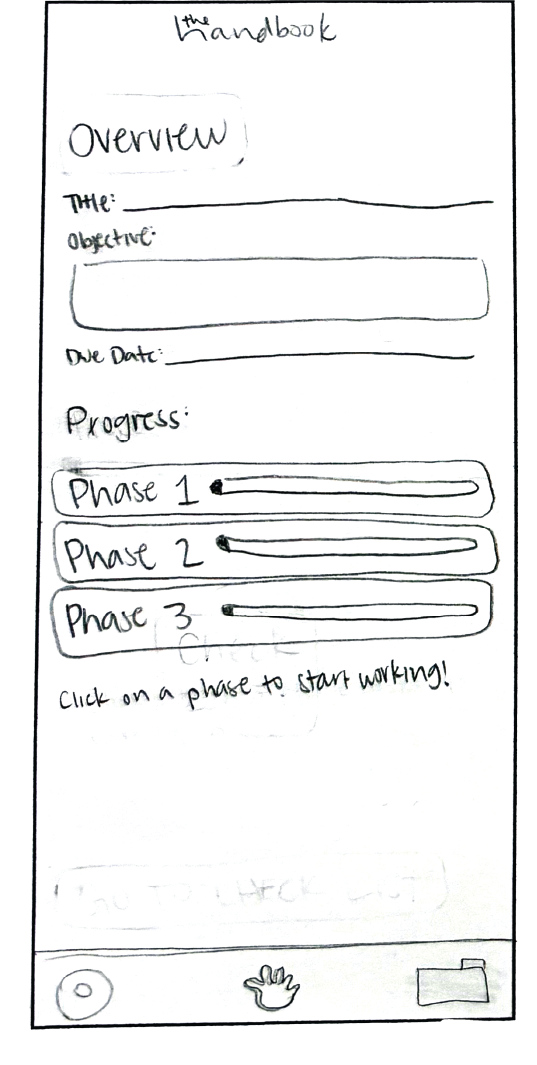
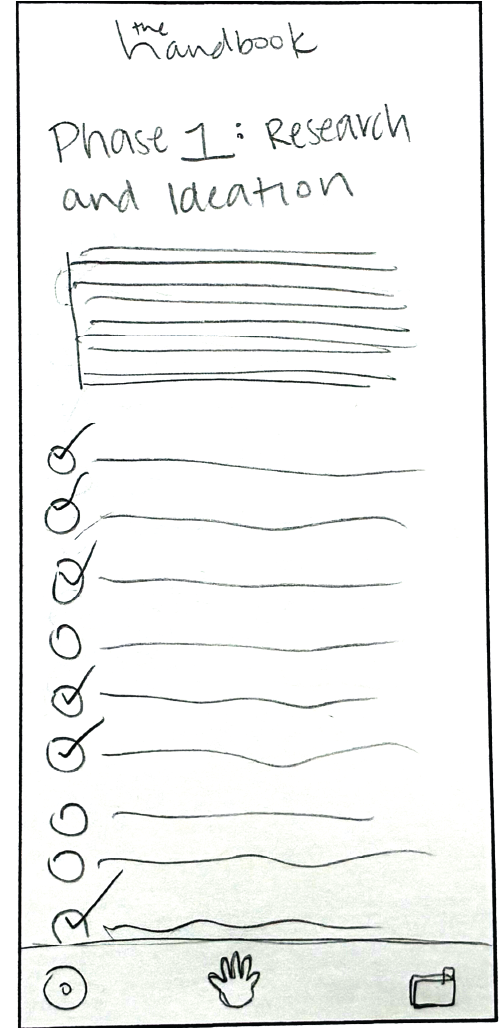
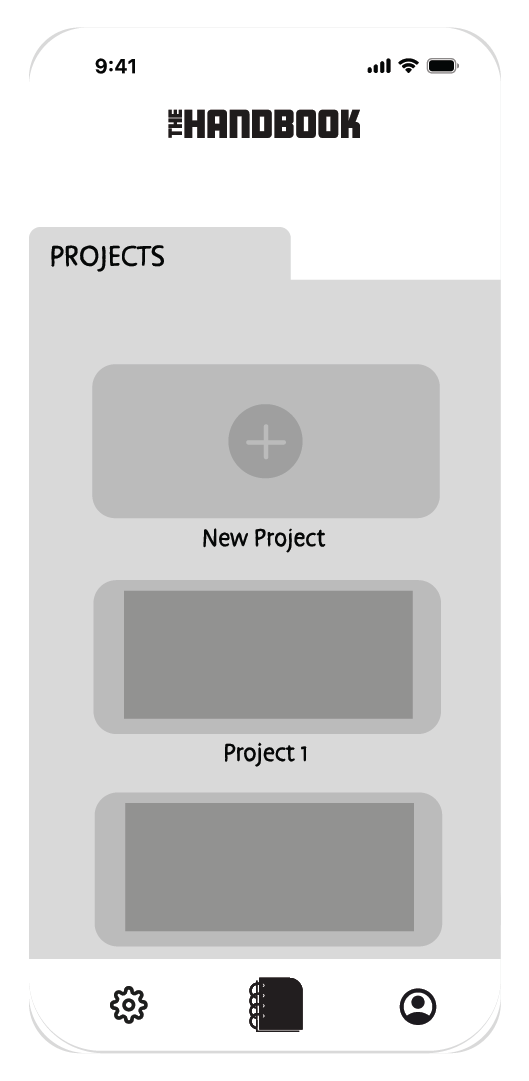
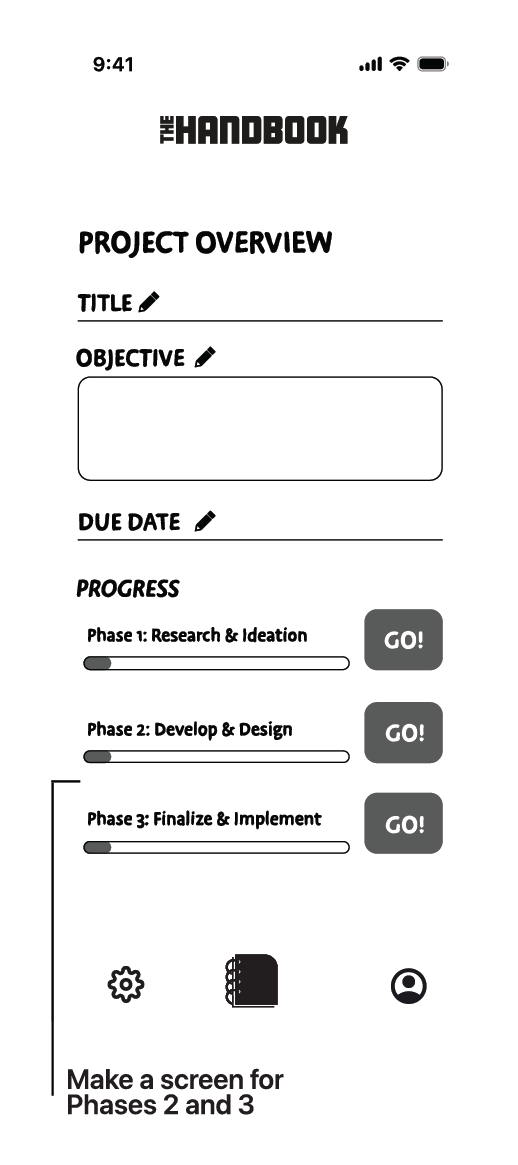
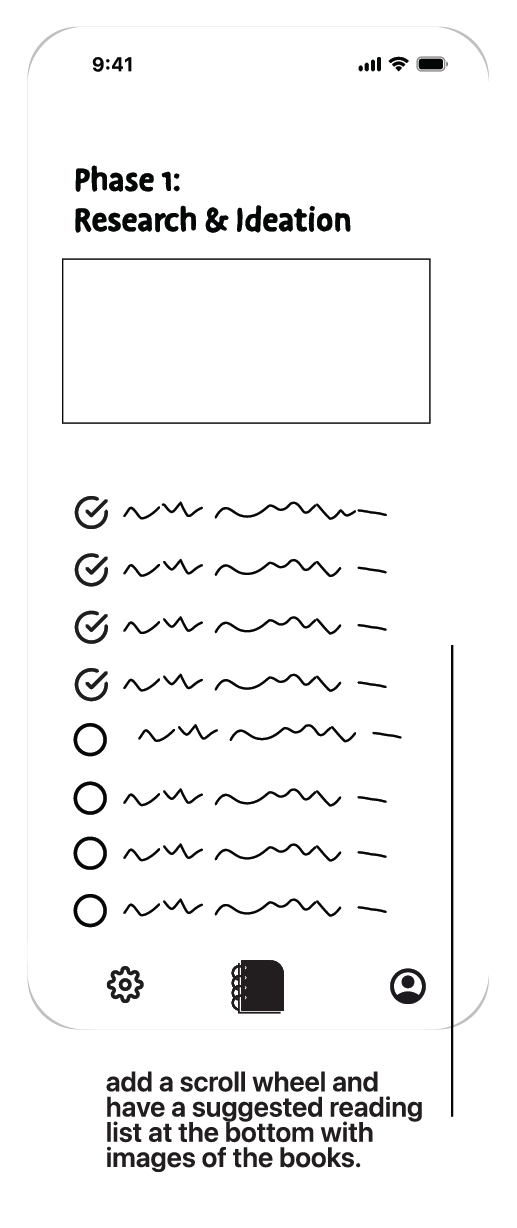
When the user clicks on Projects they are brought to the projects page where they can see past projects and start new ones. Upon starting a new project they are brought to the project overview page where they can then click into phases to work through each checklist.
Concept Library Folder
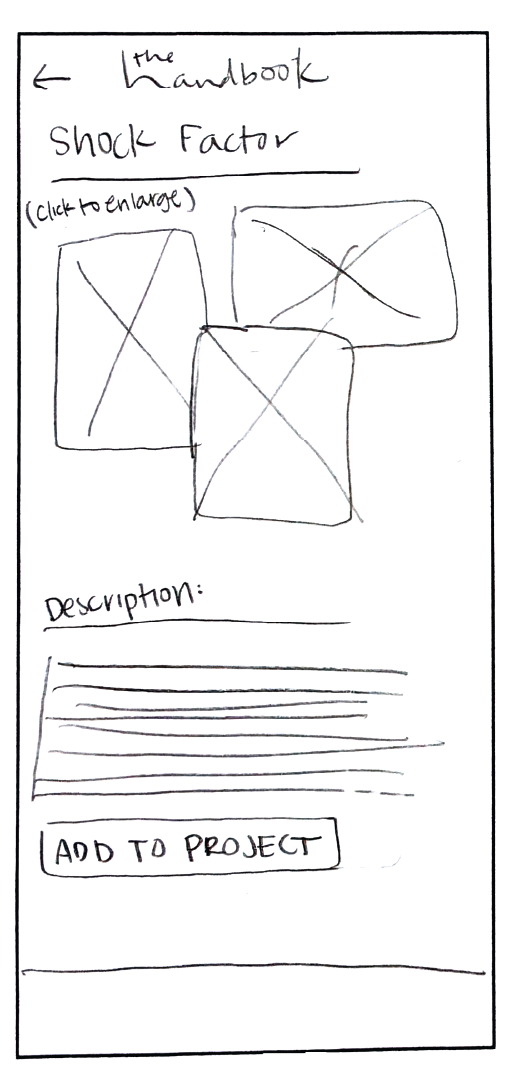
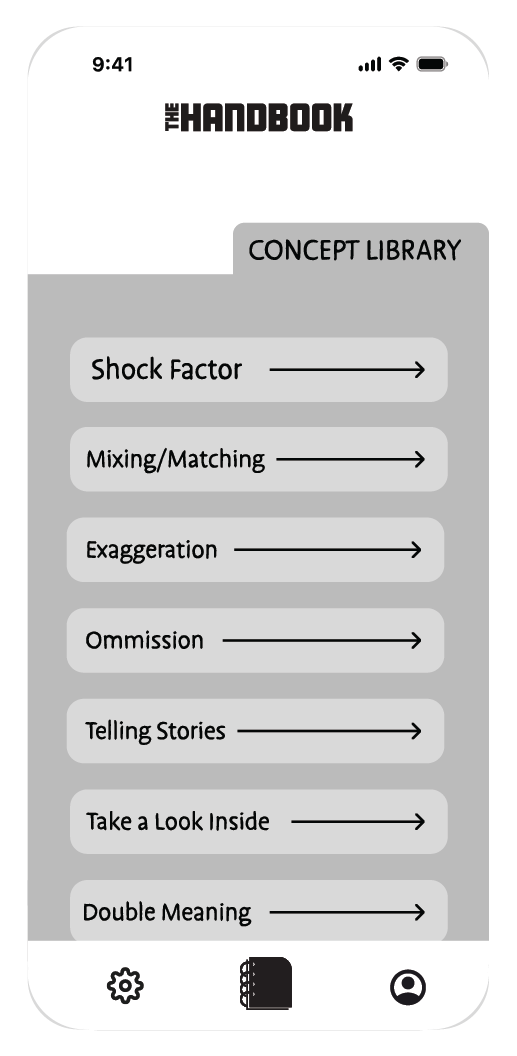
When the user clicks on the Concept Library they are brought to a page full of different conceptual strategies. Here they can select a strategy to review its definition with examples and add it to a project.
Ideation Folder
When the user clicks on the Ideation folder they are brought to a page that provides a space for written and visual ideas to be recorded for future reference or inspiration on projects.
Checklist Folder
When the user clicks on the Checklist folder they are brought to a page with one condensed checklist they can use for a quick reference throughout their project.